
Live selling checklist: what to prepare before, during and after a livestream
A complete live selling checklist: goals, a timed run sheet, products, equipment, crew, and what to do after you end the livestream.
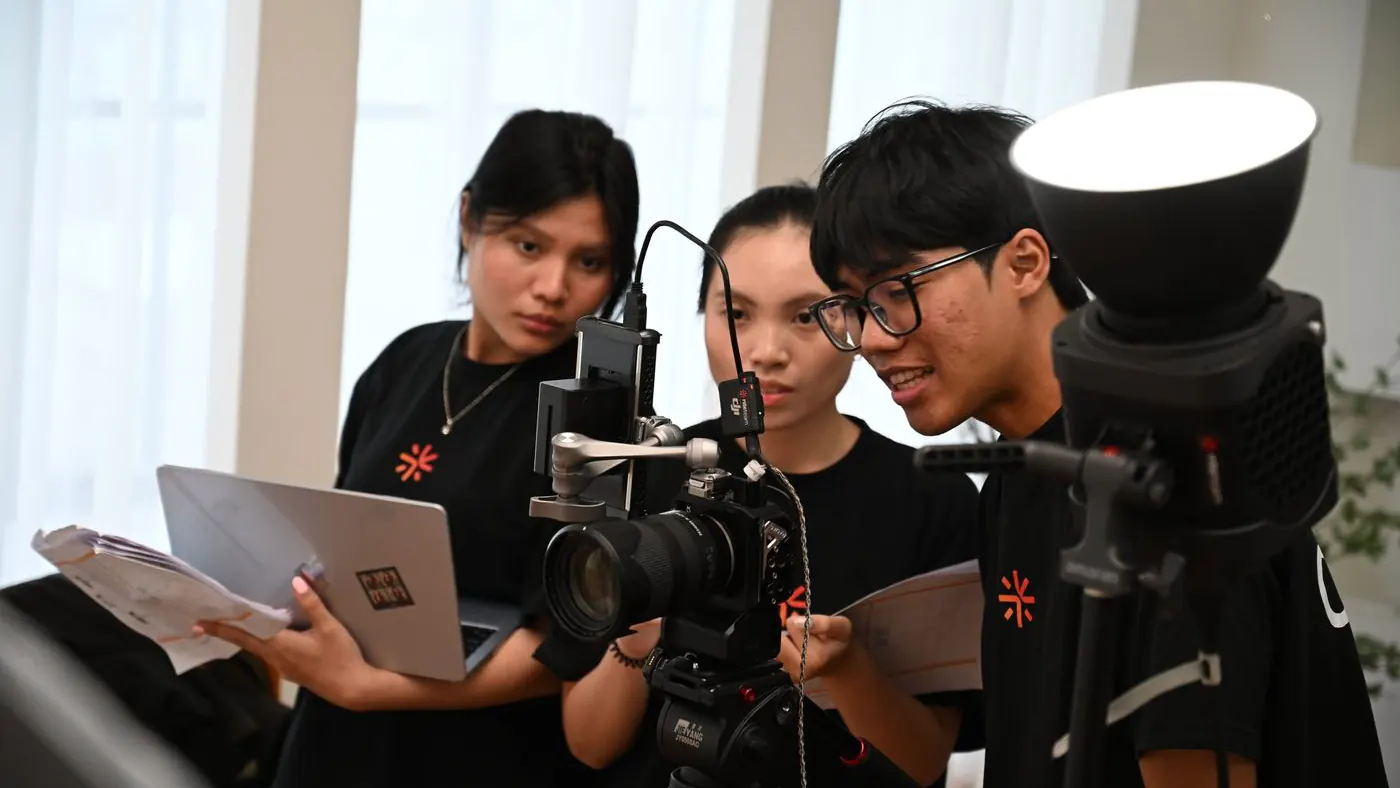
Live selling looks simple: turn on your phone and talk. But livestreams that sell consistently are usually well prepared. Here is the live selling checklist Nite uses to plan a session, split into three stages so it is easy to apply.
Live selling prep: before the live
1. Goal and offer
- What is this session for: sales, a product launch, clearing stock or growing followers?
- What is the live-only offer (special price, free gift, time-limited code)?
- The target number: orders, revenue, views or new followers.
Without a live-only offer it is very hard to keep viewers watching.
2. A timed run sheet
Break the session into short blocks, for example:
| Time | Content |
|---|---|
| 0–5 min | Welcome, announce the main offer, ask viewers to share the live |
| 5–40 min | Present products one by one, answering comments in between |
| Every 10–15 min | Repeat the offer for newcomers, quick game or giveaway |
| Last 5 min | Close orders, remind the deadline, announce the next session |
Viewers join at different times, so key information needs to be repeated several times.
3. Products, prices and stock
- Product list in presentation order, with samples ready on the table.
- Prices, product codes, sizes and specs printed where the host can see them.
- Real stock levels, so you never confirm orders you cannot fulfil.
- Ready answers for common questions: shipping fees, returns, delivery times.
4. Equipment and connection
- Camera or phone fixed on a tripod, with a tidy frame.
- Enough even light on the host and the products. This is the clearest difference between an amateur and a professional live.
- A dedicated microphone for the host; check background noise.
- A stable connection, ideally wired internet plus a backup (4G or a second line).
- Fully charged devices with power available throughout.
5. Crew
- Host: the main presenter who knows the products and offer inside out.
- Comment moderator: answers questions, logs orders, pins key comments.
- Assistant: hands over products, swaps props, watches the tech.
One person talking, reading comments and taking orders at the same time will miss customers.
6. Test run
- Go live privately for 10–15 minutes to check picture, sound and connection.
- Announce the live in advance (post, story, messages to past customers) so people are watching from minute one.
During the live
- Keep the energy steady and greet commenters by name so they feel seen.
- Bring products close to the camera; show details, materials and how to use them.
- Repeat the offer and how to order regularly, especially when viewer numbers rise.
- The moderator notes unanswered questions to follow up after the live.
After the live
This is the part most people skip, yet it is what makes the next session better:
- Confirm and process orders the same day, while customers still remember.
- Reply to remaining comments and messages.
- Cut highlight clips from the recording (the best product demos, the fun moments) to post as short videos over the following days. Restaurants and cafés can pair this with our Christmas and Tết video ideas.
- Record the numbers: views, average watch time, comments, orders. Compare sessions to learn which time slots, products and talking styles work.
In short
A good live combines a clear offer, a well-paced run sheet, reliable equipment and enough hands. Print this checklist and keep it next to your live desk. If you would rather have the studio, equipment, host and technical crew handled for you, Nite offers a Livestream service, from the run sheet to highlight clips after the show. Contact Nite to plan your first session.
Need video for your brand?
Tell Nite about your project and we'll suggest the right format and process.